
22.7 weeks in England, 22.9 weeks in Scotland and 17.3 weeks in Wales is why a driving test cancellations checker free tool can be useful, but the safest free route is still the official GOV.UK change-test service. Alert tools can cut down manual checking, yet you still have to complete the booking yourself on GOV.UK.
You're probably staring at a distant test date, refreshing pages, and hoping a better slot appears before your nerves or your preparation run out. The choice isn't between “free” and “paid”, it's between official DVSA availability, browser monitoring, push alerts, and peer-to-peer swaps, each with different trade-offs in speed, control and compliance.
The key difference is simple. Some tools show live DVSA slots, some watch the page for you, and some help you find another learner to swap with, but none of them can guarantee a booking. For learners who also need structured tuition, instructor matching or real-time DVSA test alert monitoring, Fast Track Driving Lessons is relevant too, especially through its PracticalTest Assist support and intensive course options.
Table of Contents
- 1. GOV.UK Change your driving test appointment
- 2. GOV.UK Check your driving test details
- 3. BookDrivingTest.uk
- 4. DVSA Booking Helper
- 5. Booking Assist
- 6. DVSA FTS
- 7. TestSwap
- 8. Swappy.uk
- 9. DrivingTests.co.uk Portal
- 10. Test Now Cancellations and Swaps Board
- Top 10 Free Driving Test Cancellation Checkers, Comparison
- Build a Faster, Compliant Cancellation Routine
1. GOV.UK Change your driving test appointment
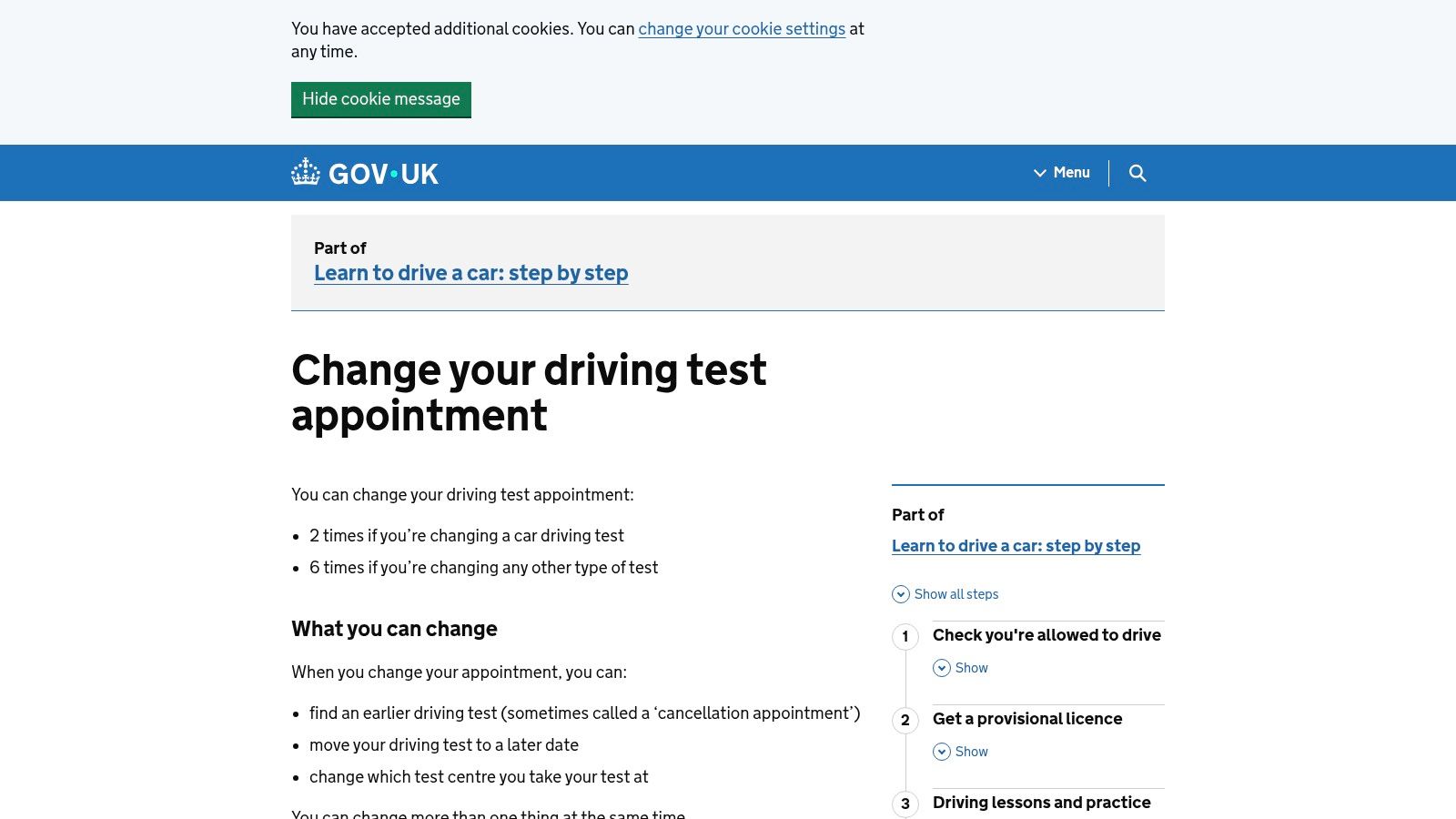
The official GOV.UK change driving test service is the cleanest baseline because it shows what the DVSA can book. It lets you change the date, time and test centre in one flow, and it runs daily from 06:00 to 23:40. That matters because a cancellation checker only helps if the slot is real, bookable and still there when you act.
This is also the safest free route because it stays inside the DVSA booking system. If you are deciding whether to move your test, the practical sequence is to sign in, review the centre and time, check whether the new date still gives you enough preparation time, then confirm only when you are ready. That sounds obvious, but people often chase an earlier date that looks good on paper and then regret the travel burden, the shorter revision window or the awkward test time.
The official flow also fits the broader reality of UK waiting times. DVSA's own 2025 to 2026 business plan set a national aim of 7 weeks or fewer, which shows the backlog was a service issue, not just a learner annoyance. The official service is the one place where you can see availability without relying on someone else's interpretation, which is why it's the right starting point for any driving test waiting times guide.
Practical rule: Use GOV.UK first if you can check regularly yourself. If you want the most compliant free option, this is the one.
Official GOV.UK change driving test service
2. GOV.UK Check your driving test details
Before chasing cancellations, confirm that the booking details are correct. The GOV.UK check driving test service is not an alert tool, but it is the tidy setup step that keeps your contact details, centre information and booking reference aligned with the DVSA system.
That matters more than people think. If your email or phone details are wrong, you can miss notifications, and if your booking reference is off, you can waste time trying to manage the wrong appointment. In a market where slots can disappear quickly, a small admin mistake creates a delay that has nothing to do with test availability.
Use this as a maintenance check rather than a search tool. Open the details page, verify the centre, confirm the contact information, then move back to the change flow only when the record is clean. It supports cancellation chasing, but it doesn't replace it.
A sensible way to think about it is this, details first, search second. That sequence is especially useful if you plan to mix official checking with a notifications service or a browser helper, because those tools still depend on your DVSA account being ready when a slot appears.
- Confirm the booking reference: Make sure you're looking at the correct practical test.
- Check the centre and contact details: Small errors can block the notifications you want.
- Use it before active searching: It's a preparation step, not a cancellation feed.
Official GOV.UK check driving test details
3. BookDrivingTest.uk
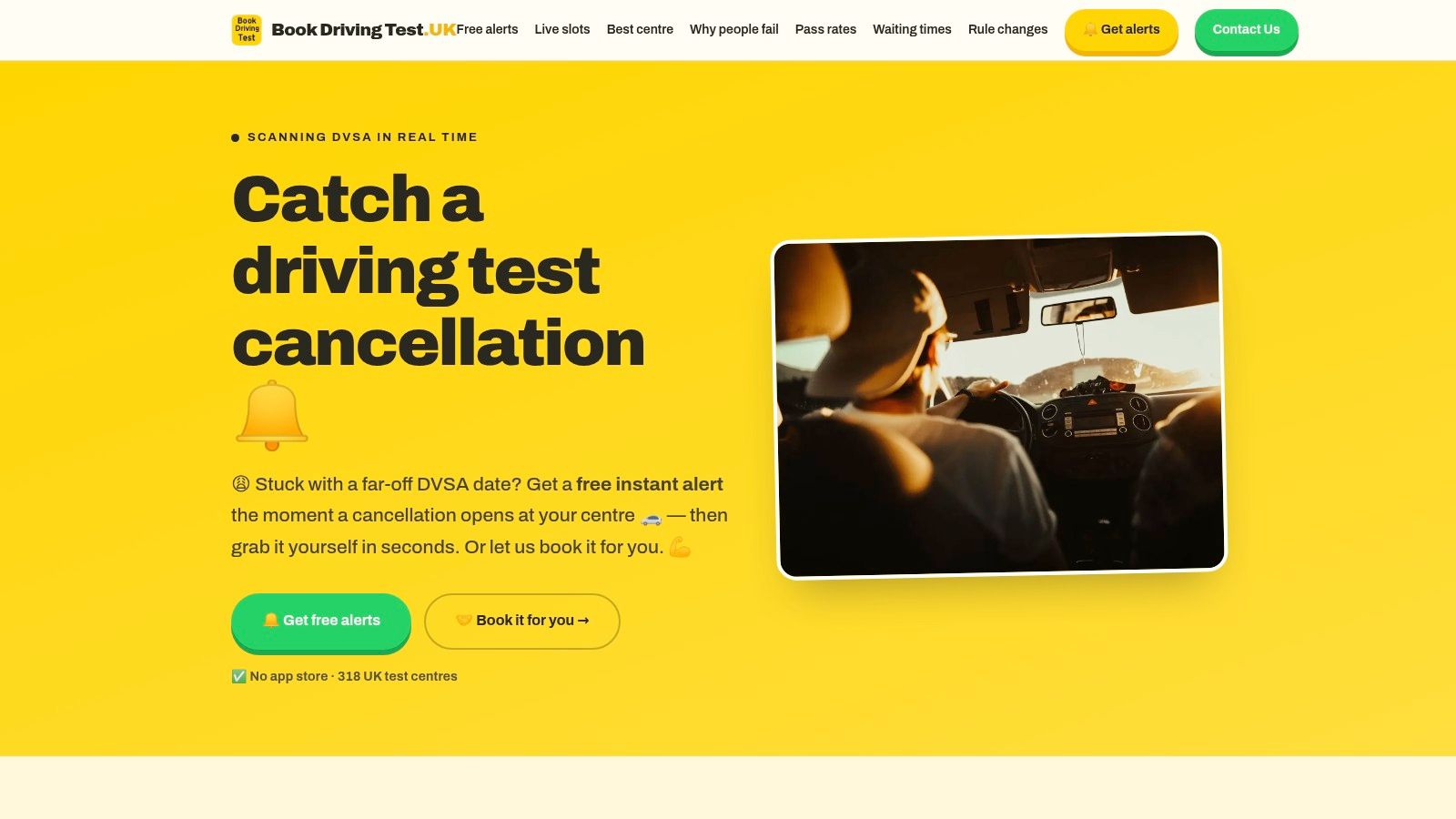
BookDrivingTest.uk works differently from the official site because it tries to alert you when new DVSA slots appear at the centres you choose. That makes it useful for learners who don't want to sit there manually refreshing GOV.UK, especially when they're juggling work, lessons or revision.
The main practical advantage is speed of awareness. If a centre opens up, an alert can reach you without you having to catch the page at exactly the right moment, but the booking still happens on GOV.UK, so you remain responsible for the final decision. Its centre comparison features can help you think about pass rates and typical waits, although those figures should guide your shortlist, not promise success.
The workflow is straightforward. Select realistic centres, enable browser notifications, keep GOV.UK open or easy to reach, and react fast when a slot shows up. That last step is the whole game, because alerts only create value if you can move immediately.
Quick judgement: A notification tool is useful when you can't keep refreshing manually, but it still depends on how fast you can act.
The platform also sits well beside broader test-centre planning, especially if you're comparing likely centres before you narrow your search. If you want that context, the driving test centres guide can help you think about location choices before you start chasing cancellations.
4. DVSA Booking Helper
The DVSA Booking Helper Chrome extension is for learners who prefer active browser monitoring over push alerts. It runs in your own browser session while you're logged into GOV.UK, which means you stay in control and complete the booking yourself.
That browser-session model matters. You are not handing your account to a third-party concierge, and you are not relying on a separate dashboard that might lag behind the DVSA page. Instead, the extension repeatedly checks the page on your behalf and surfaces changes while you stay present at the computer.
This makes it a better fit for people who can keep a tab open and react quickly. It's less useful if you're mostly on your phone, because browser helpers are still computer-first tools and their effectiveness depends on your setup, the centre you're watching and any anti-bot limits DVSA may apply.
Use it with restraint, not with the fantasy that more aggressive refreshing equals more success. A controlled refresh interval is the safer approach, because the point is to see bookable changes, not to behave like a scraper. The more useful question is whether you can be ready to review results the moment they appear.
- Install on a trusted browser: Keep the session controlled and avoid random add-ons.
- Stay logged into GOV.UK yourself: You should remain the one making the booking decision.
- Watch the centre list carefully: Broader monitoring helps, but only if you can act fast.
Chrome Web Store listing for DVSA Booking Helper
5. Booking Assist
Booking Assist is another browser-based route, but it leans harder into notifications and local control. It runs in your own browser session, gives desktop notifications, and keeps the booking action on GOV.UK, which makes it appealing if you want alerts without handing over your login.
That local-session approach is the key differentiator. The extension can surface earlier dates while you continue to own the actual test change, and the mobile companion broadens access if you split your time between devices. For a learner, that means you can keep the browser session near the booking system while still using notification support to reduce constant checking.
The main trade-off is that features and access can change, so you should check the current setup before relying on it. A tool like this only works if notification permissions are active, your browser is set up properly and you're ready to respond the moment a slot appears.
A practical way to treat it is as a helper, not a shortcut. It may improve awareness, but it doesn't remove the need to choose a suitable centre, assess your readiness and complete the booking yourself on GOV.UK.
Best use case: You want desktop prompts and you're comfortable keeping control inside your own browser rather than in a separate alert platform.
Chrome Web Store listing for Booking Assist
6. DVSA FTS
DVSA FTS, short for “F the Scalpers”, is built around a privacy-first idea. It monitors cancellations while you stay inside your own GOV.UK session, and it avoids third-party credentials and auto-booking, which makes the control model easy to understand.
That stance is important in a market where learners are wary of resellers and unofficial booking schemes. A tool like this doesn't try to take over the booking process, it tries to support you while you still make every decision yourself. If you want to avoid giving your account to a service you barely know, that's a real benefit.
The limitation is support and maintenance. Community projects can be useful, but they don't always have the same stability as larger commercial products, and install steps can change if store links move. You should verify the source, understand the installation process, and never share GOV.UK credentials just because an extension asks for convenience.
A quick verification routine is sensible here.
- Check the source first: Make sure you are on the official project site.
- Read the install steps carefully: Community tools can shift over time.
- Keep the booking manual: The whole point is user control, not automation.
DVSA FTS official site
7. TestSwap
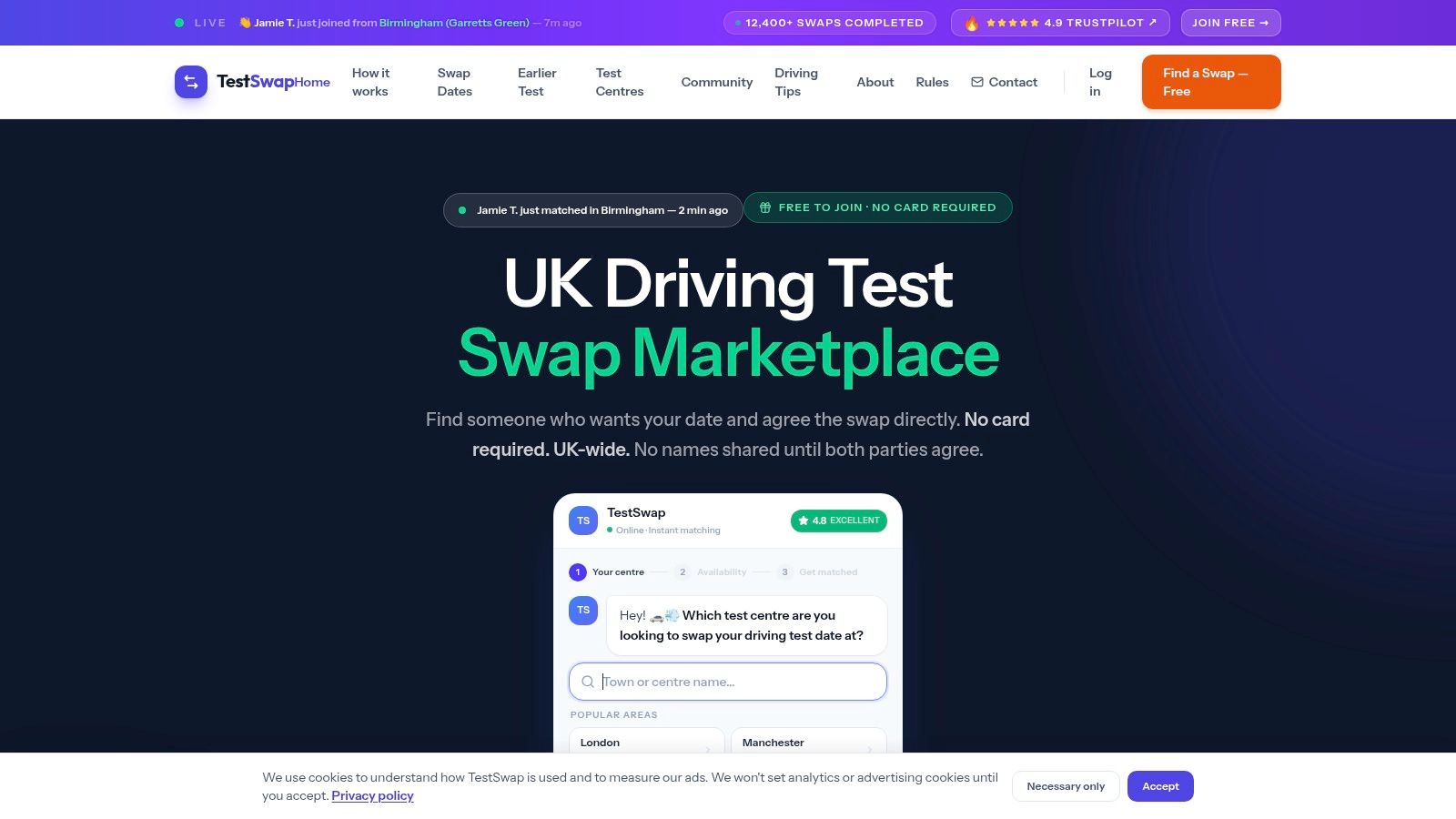
TestSwap matches learners who want to swap test dates, then leaves the actual change to the DVSA phone process. The key difference from alert tools is control. Alerts surface cancellations, browser helpers watch for them, and TestSwap tries to connect two people who already have dates that can be exchanged.
That makes it a practical option when fresh cancellations vanish quickly or when your preferred centre rarely shows availability long enough for an alert to help. The supply still depends on another learner, not on a test centre releasing a slot. For that reason, the method suits learners who can be flexible and respond quickly when a match appears.
The trade-off is coordination. You need another learner whose timing fits, and both of you need to be ready for the DVSA call, so the process is slower than a live notification. The upside is that it stays free and avoids bots, which keeps the workflow closer to a manual, compliant swap.
If you want a broader view of how cancellations and swaps move through the system, an analysis of how driving test cancellations move through the DVSA system helps put TestSwap in context.
8. Swappy.uk
Swappy.uk is a community marketplace built around test-date swaps, and it offers a 7-day free trial so you can test the alerts before paying. Use that trial to measure how quickly notices reach your area, then judge whether the local centre activity is strong enough to justify a paid tier.
The platform relies on listings and notifications, not direct control of the DVSA booking screen. You still need to complete the change through the official process, but the service can surface swap opportunities faster than manual searching. It suits learners who want a more organised alternative to browsing community posts, without handing booking access to a GOV.UK account.
Start with the trial, set only the centres and dates you would realistically accept, and watch whether the notifications arrive soon enough to matter. If the trial produces few useful leads, the region may not have enough activity to make a paid plan worthwhile.
9. DrivingTests.co.uk Portal
The DrivingTests.co.uk portal is a free sign-up swap community built around organisation. Rather than scattered posts or message threads, it gives learners and instructors one place to track matching test dates.
For instructors managing several pupils, that structure keeps searches easier to sort. Individual learners also gain a clearer view of possible swaps instead of juggling loose conversations. The actual change still happens through GOV.UK, so the portal is a matching layer, not a booking tool.
Its value depends on location and date. A centre with active listings can be useful, while a quieter area may offer little. Learners who respond quickly and compare options carefully are more likely to get value from it, because matches can disappear fast once others act.
Use it with narrow criteria. Set up the account, define what you will accept, and treat each match as a lead until the official change is completed.
DrivingTests.co.uk portal sign-up
10. Test Now Cancellations and Swaps Board
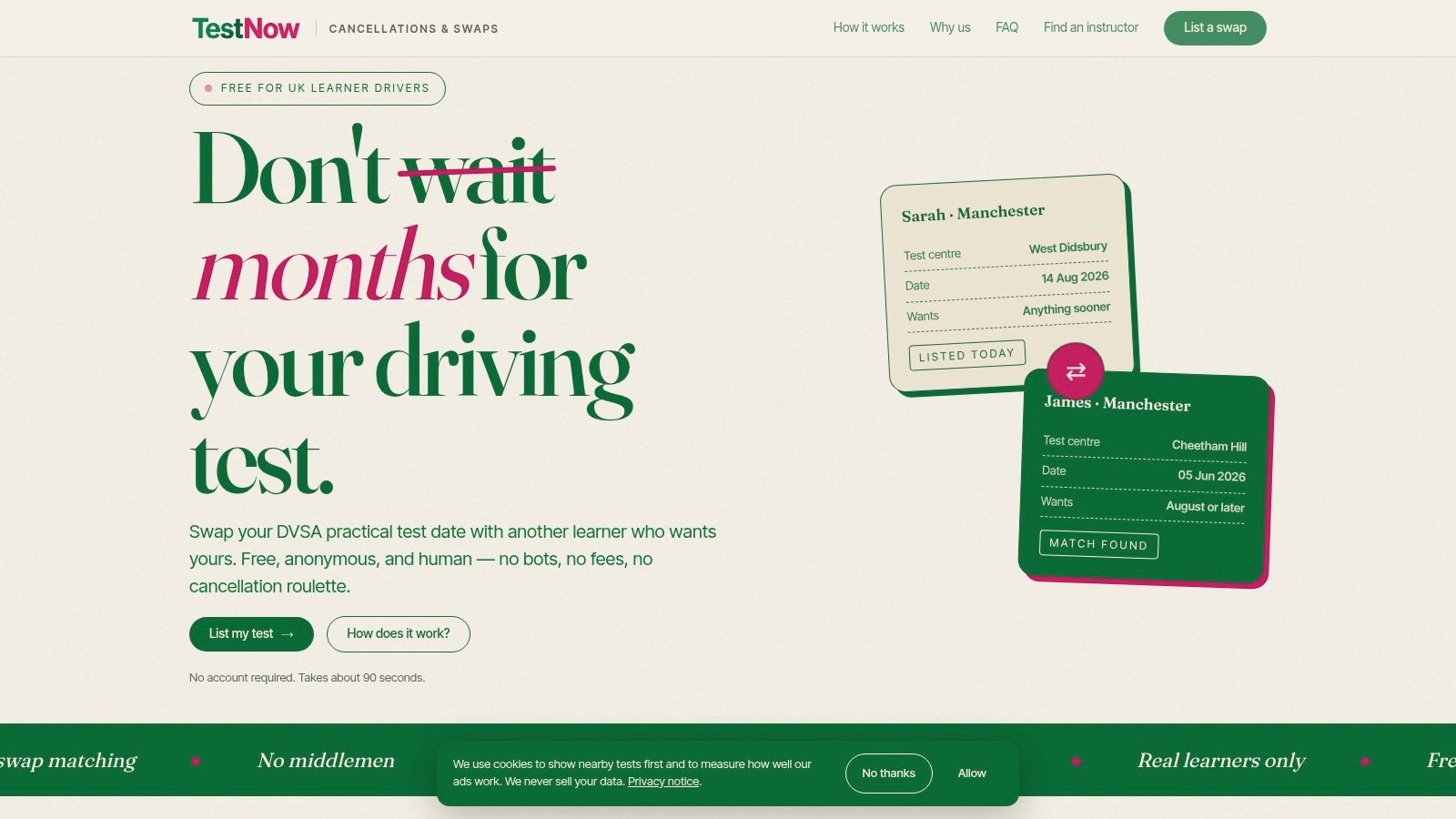
Test Now is the simplest community option on this list. It offers free listings for swaps and cancellations, with plain-English guidance that keeps the process anchored in the DVSA phone-swap route.
That simplicity is the point. Learners who don't want extensions, notifications or browser add-ons can still check a shared board and look for an opportunity that fits their timing. The drawback is that the board lives and dies by community activity, so some regions will move faster than others and some posts will be stale by the time you see them.
Use it with a verification habit. Check whether the centre still works for you, confirm the date against your preparation plan, and then move through the official process rather than assuming the post itself is enough. Community boards are useful for discovery, but they can't replace your own judgement.
For learners comparing manual and community-based routes, the driving test cancellations guide gives useful context on how cancellations move through the system.
Test Now cancellations and swaps board
Top 10 Free Driving Test Cancellation Checkers, Comparison
| Service | Core features | User experience / reliability | Value proposition | Best for / Target audience | Price |
|---|---|---|---|---|---|
| GOV.UK – Change your driving test appointment | Live DVSA availability; change date/time/centre; 06:00–23:40 | Most reliable source; manual checks required; no alerts | Official, fully compliant definitive booking source | All learners who want secure, official changes | Free |
| GOV.UK – Check your driving test details | Verify booking ref, centre and contact; access manage flow | Always up to date; not an alert tool | Prevents missed DVSA notifications; prep step before chasing cancellations | Learners confirming details before swapping/chasing slots | Free |
| BookDrivingTest.uk | Browser push alerts for chosen centres; centre comparisons; optional concierge | Instant browser alerts (desktop/Android); must act fast; depends on browser support | Free real‑time alerts + centre data to prioritise centres | Learners wanting push alerts on desktop/Android | Free (optional paid concierge) |
| DVSA Booking Helper (Chrome extension) | Runs in your GOV.UK browser session; configurable refresh intervals | Works while logged in on PC; requires being at a computer; subject to anti‑bot limits | Local monitoring without sharing credentials; manual booking on GOV.UK | Desktop users who prefer active browser monitoring | Free |
| Booking Assist (Chrome extension + mobile companion) | Local browser extension with desktop notifications; mobile companion | Local notifications; user‑controlled refresh; features may evolve | Desktop + mobile notifications staying within GOV.UK booking flow | Users wanting extension with mobile support | Free (watch for evolving paid features) |
| DVSA FTS (F, the Scalpers) | Privacy‑focused extension; manual booking on GOV.UK; avoids third‑party logins | User‑controlled and privacy‑first; community project support varies | Anti‑scalper approach for privacy‑conscious users | Learners prioritising privacy and manual control | Free |
| TestSwap | Peer‑to‑peer swap matching; guidance for compliant DVSA three‑way call | Can secure earlier slot if match found; timing unpredictable | Legitimate swap route without bots or third‑party booking | Learners willing to coordinate swaps with others | Free |
| Swappy.uk | Listings by centre/date; activity notifications; 7‑day free trial | Trial useful to test alerts; paid tiers after trial; swap success varies | Marketplace for swaps with trial period to evaluate fit | Learners open to paying for ongoing alerting/marketplace | 7‑day free trial → paid tiers |
| DrivingTests.co.uk (Portal) | Account‑based swap matching; organised workflow for learners/instructors | Structured workflow; regional coverage varies; instructor tools included | Organised matching, helpful for managing multiple pupils | Instructors and learners seeking organised swap tools | Free sign‑up |
| Test Now – Cancellations and Swaps board | Community listings for swaps/cancellations; plain guidance on DVSA swap process | Low complexity; listing volume varies regionally; no automated alerts | Simple, community‑driven option when automated alerts not needed | Learners comfortable with community listings and manual checks | Free |
Build a Faster, Compliant Cancellation Routine
The best choice depends on how much manual checking you can tolerate and how flexible you are on centre and time. Start with GOV.UK when you want authoritative availability and the most compliant free route, because it shows what the DVSA can book. Move to a browser helper or notification tool if you can't keep refreshing yourself, then add swap communities when the right cancellation still won't appear.
A practical routine is easy to repeat. First, verify your booking details so you're not searching against the wrong record. Next, choose only realistic centres and dates, then enable notifications if you're using an alert service. Keep GOV.UK access ready, respond promptly when a slot appears, and confirm that the new date still leaves enough time to prepare properly.
Don't share your GOV.UK login with anyone, don't assume an alert equals a confirmed booking, and don't treat a distant centre as a win if it makes the rest of your learning harder. The fastest route is still the one you can react to cleanly, within the official system, without wasting time on risky shortcuts.
For learners who need tuition as well as scheduling help, Fast Track Driving Lessons offers intensive and semi-intensive courses, instructor matching and PracticalTest Assist with real-time DVSA test alert monitoring. If you want booking support to sit alongside structured lessons, visit Fast Track Driving Lessons and review the course options alongside the cancellation tools that fit your setup.
Written by Fast Track editorial team.